

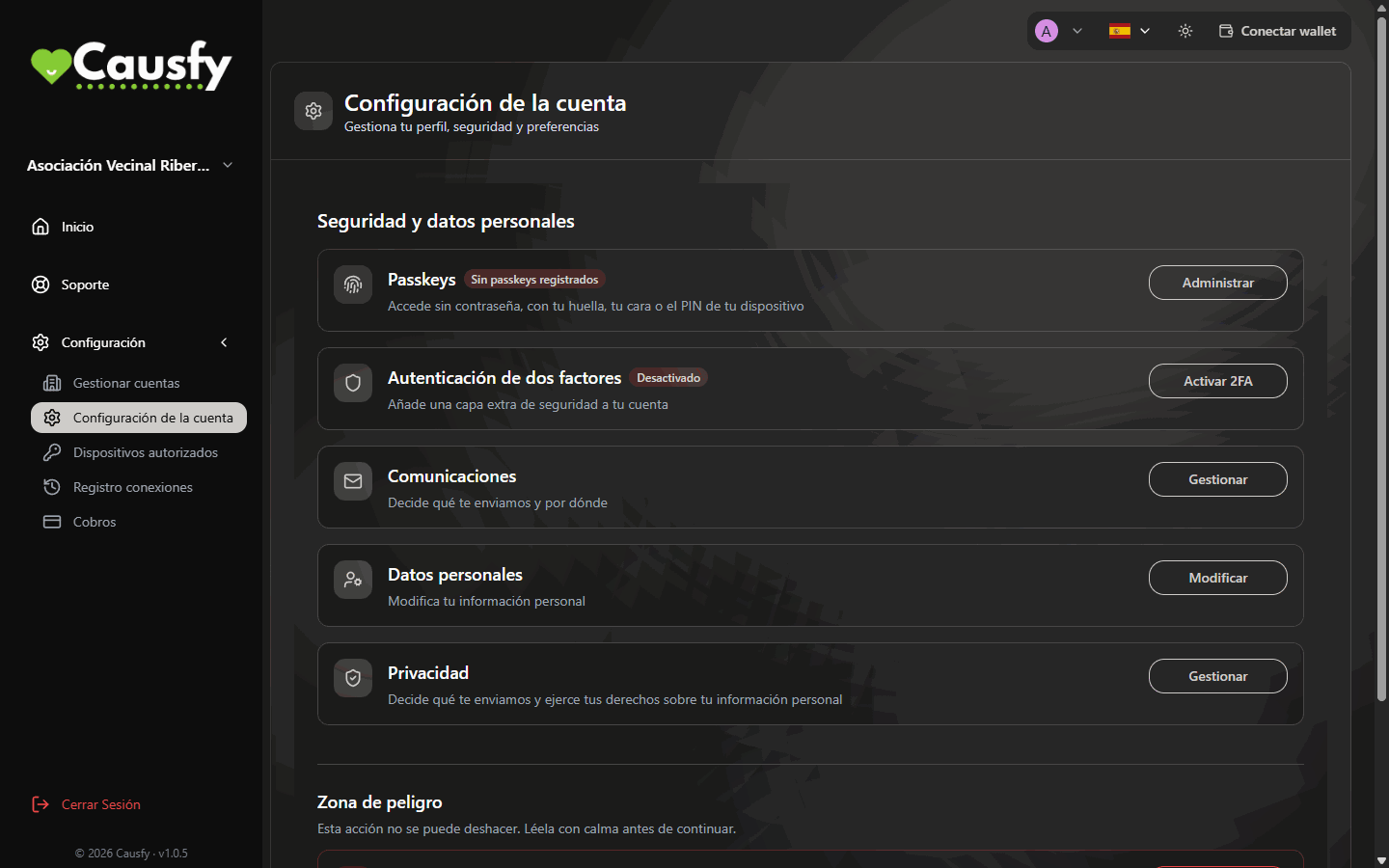
Account Settings: each row opens a setting with the button on the right.
Personal Information
Press Modify in the Personal Information row. From there you change:- Username. It has to be unique: if someone else already uses it, you are told so you can choose another.
- First Name and Last Name.
- Your photo, with Change Avatar. You can drag it and adjust the size to crop it before pressing Apply.
If you have already verified your identity, your first and last name are tied to your document and cannot be edited here. The username and the avatar can. If your name doesn’t match the document or has officially changed, press Request a correction: you will have to provide the document.
Phone
If your organization has phone verification turned on, you will also see the Phone Verification row. Press Verify, type your number and you will get a code by SMS. Once verified, the row says Verified and the button becomes Change. A verified phone is used to receive codes and alerts. It is not shown publicly anywhere.Communications
The Communications row (“Choose what we send you, and how”) takes you with Manage to the Privacy page, right to its first section. There you only decide one thing: whether you want to receive Marketing communications (product news, improvements and offers) and through which channel. Each channel has its own switch: Email, SMS and WhatsApp. The change is saved instantly and does not affect your account or your causes.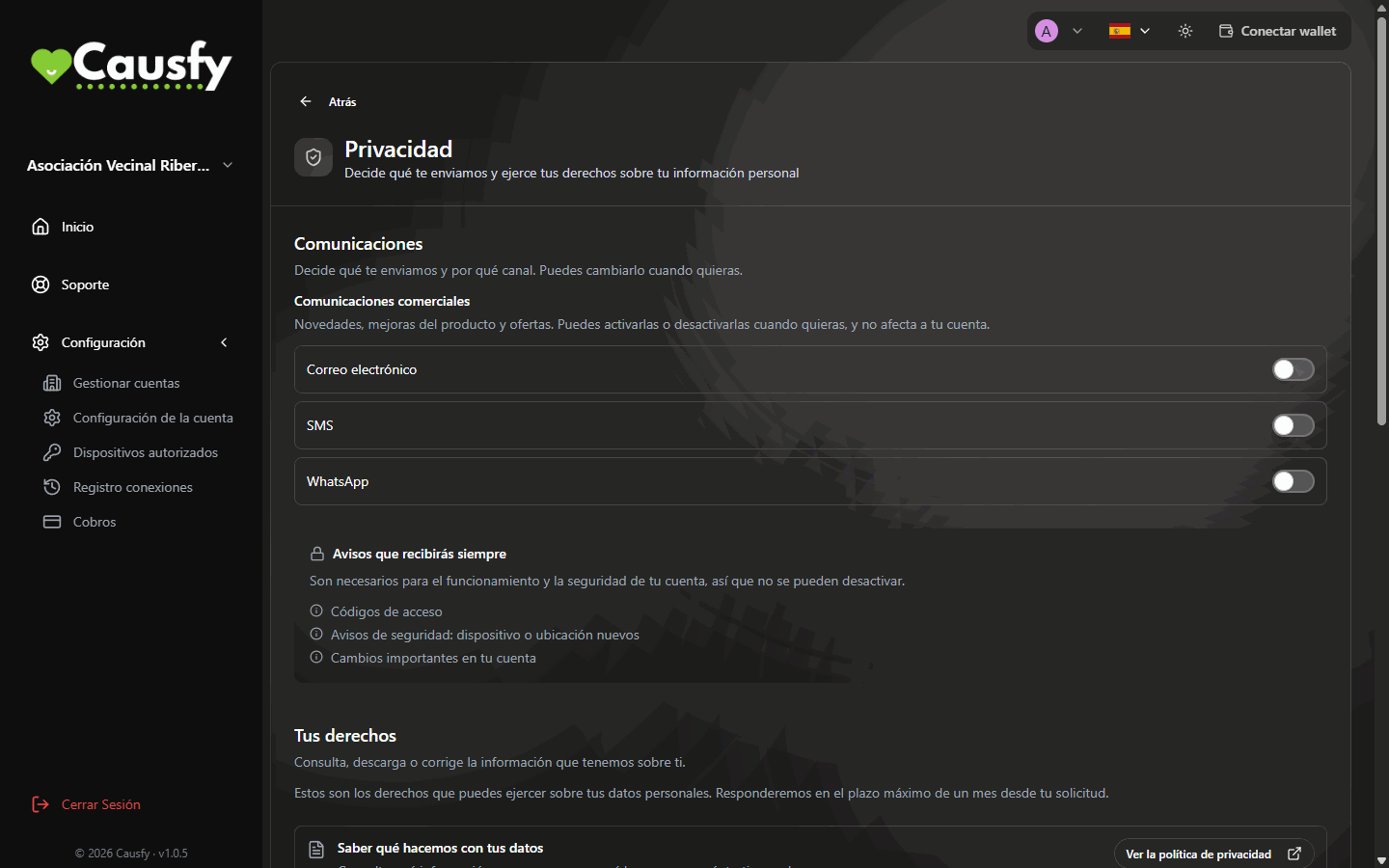
Communications: one switch per channel for marketing, and below them the alerts that cannot be turned off.
Below you will see Messages you’ll always receive: sign-in codes, security alerts (a new device or location) and important changes to your account. They have no switch because they are the ones that warn you when someone is trying to get into your account.