

You can only post updates while the cause is approved.
Posting one
1
Open your cause in the dashboard
Go to the Updates tab, or press More › Post update in the cause’s header.
2
Write in «What do you want to share»
It is a single text field, with no title. Keep it short: one piece of news per update. If you have three things to tell and none is urgent, one entry with all three is better than three entries in one day.
3
Press «Publish update»
You will see “Update published. It’s now pending review.” It appears on the public page once it is approved. If it is rejected, you will see the reason.
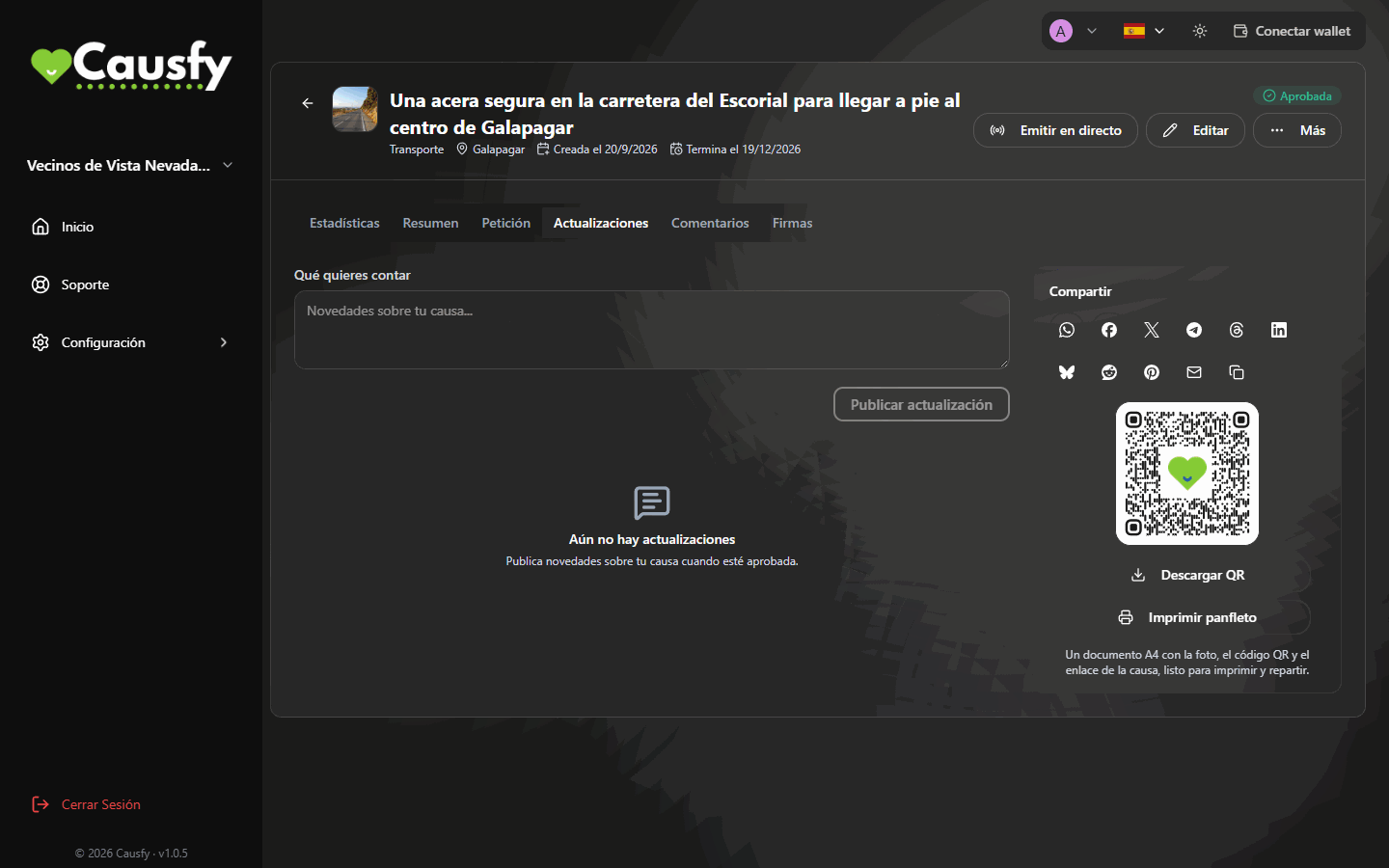
The Updates tab: you write, you publish, and they all stay here.
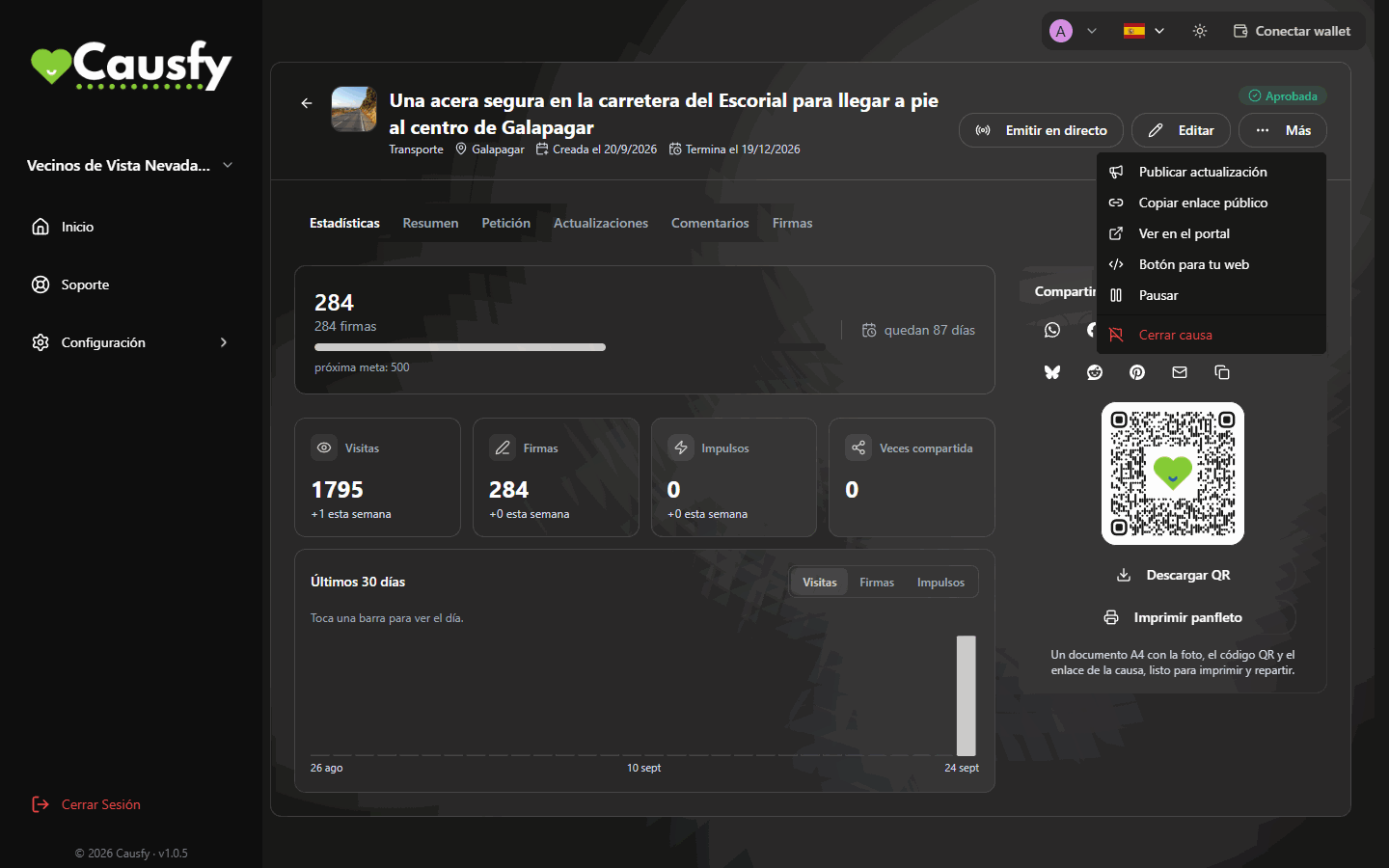
The More menu: its first option is Post update.
What to tell
A milestone
Half the goal was reached, it was exceeded, it was reached ahead of time.
A move by the recipient
They met you, they replied, they went quiet after a month. Silence is news too.
A hand-in
You took the signatures to the registry office, report in hand.
The outcome
It was achieved or it wasn’t. Tell it either way.