

Where it is
It lives on the cause itself, not in Configuration: each cause has its own. You find it in the Donations tab of the cause’s detail view, which only appears if the cause is a fundraising one and is approved. In that tab you first see Ways to donate (what you have active: card, transfer) and below it the Bank account block.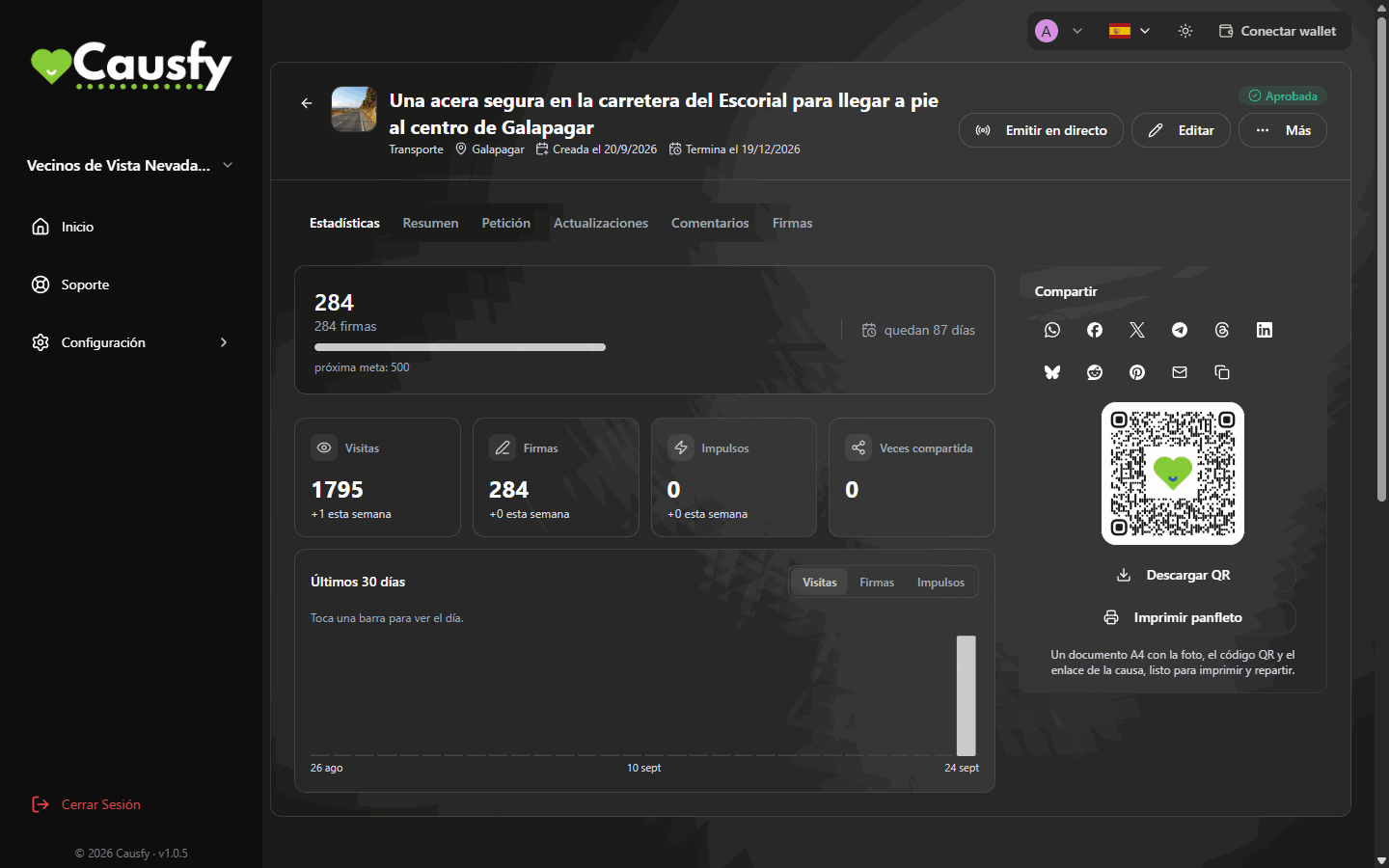
The detail view of a cause in your dashboard, with its tabs. In a signature cause, like this one, there is no Donations tab; in an approved fundraising cause it appears at the end of the row.
The threshold
It is not granted from the start. A moderator sets an amount raised for your cause, from which you can ask for it. In the Bank account block you will see one of these three situations:The moderator hasn't set a threshold for this cause yet.
The moderator hasn't set a threshold for this cause yet.
No amount has been set for this cause. There is nothing you can do on your side: if you need it, write to support explaining what for.
You still have some way to go
You still have some way to go
It shows how much you have and how much is needed, for example “€300 of €1,000 needed to request the bank account”. The request button only appears once you reach it.
You can request it
You can request it
The Request bank account button appears.
Requesting it
When you press Request bank account you are asked to confirm it’s you with whatever you have turned on in your account: a passkey or the two-step verification code. If you have both, both are asked for, one after the other. It is an operation involving money, so being signed in is not enough. After that the request stays in progress and a person reviews it.If you don’t have any verification method turned on, you are not asked for anything. Setting one up is the first thing you should do with your account. How
The three outcomes
Once it is assigned, you see the Holder, the IBAN, the BIC and a Reference. Each detail has its own Copy button.