

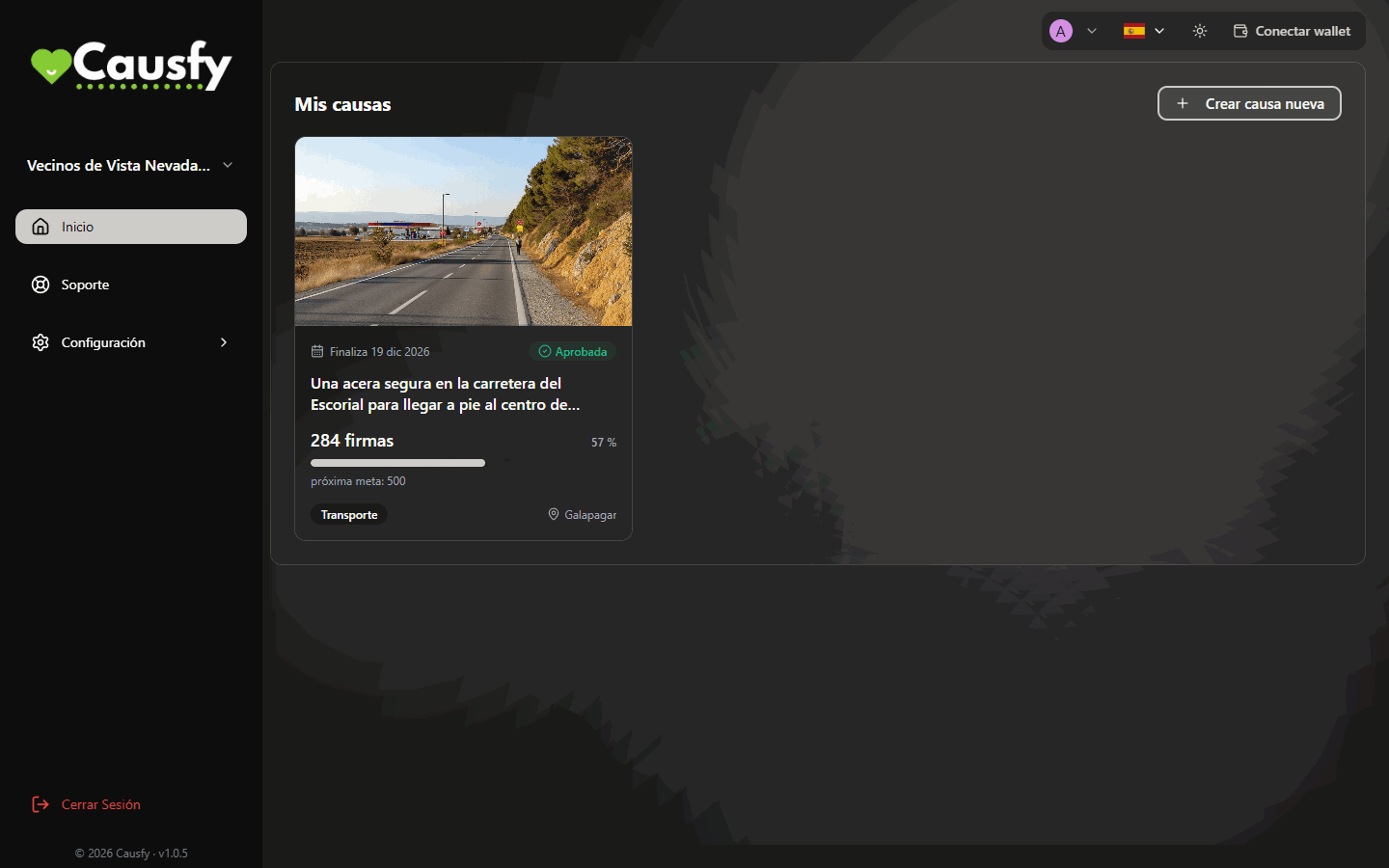
Your dashboard, on Home: your causes with their status, their signatures and the next goal. This is where you start a new one.
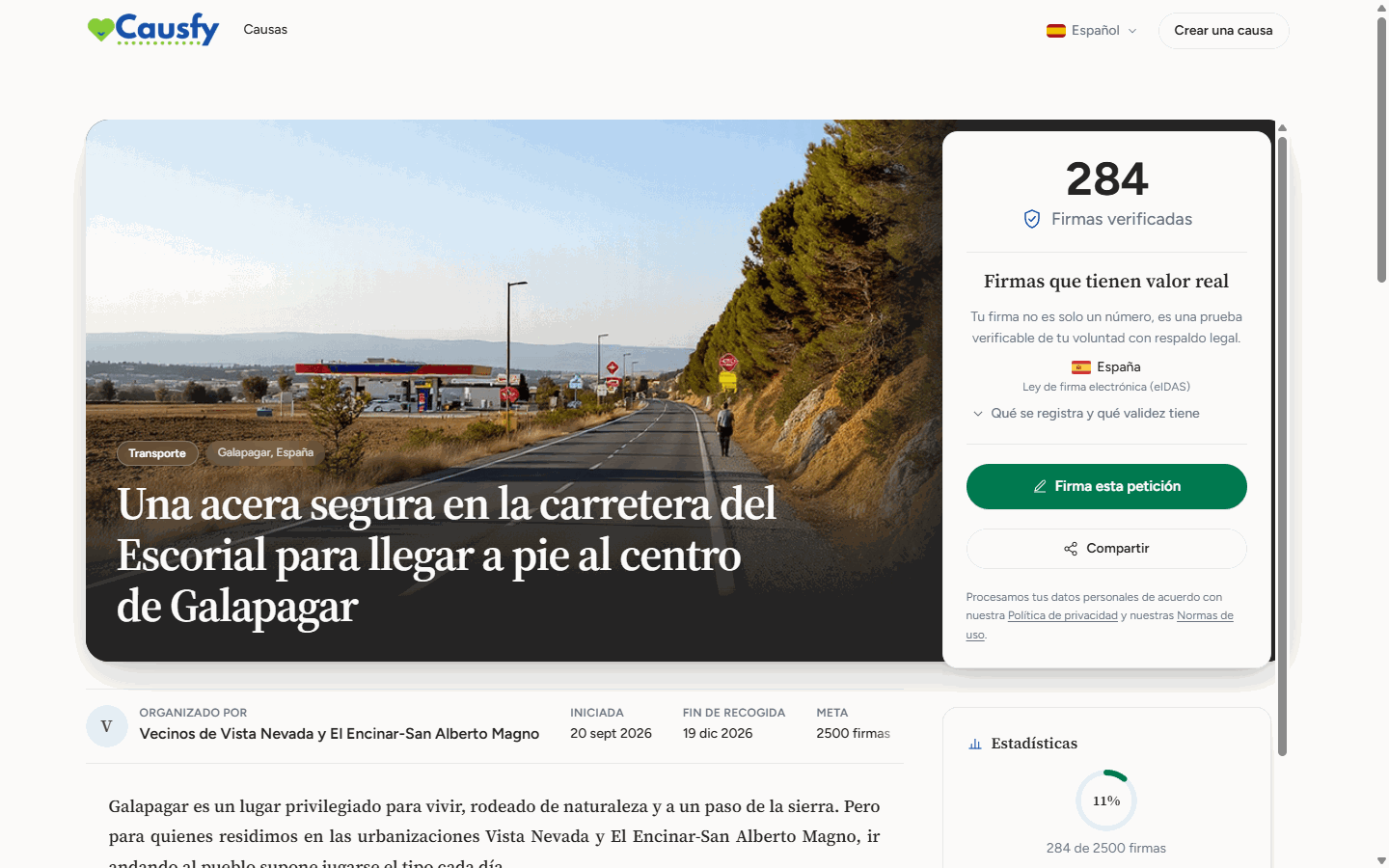
This is how the public sees your cause on causfy.com: photo, title, signatures and the button to sign.
Where to start
Create your account
Signing in for the first time and leaving your account protected.
Your first cause
The whole journey, from the idea to the first signature.
Create a cause
The steps of the wizard, one by one.
Getting paid
How payouts are set up for when donations return (coming soon).
The two kinds of cause
When you create a cause you choose a single goal, and that decision shapes everything else.Collect signatures
You ask someone specific for a change: a city council, a ministry, a company. Each person who backs you signs, and that signature is recorded with a certificate.
Raise funds
You need money for something specific. You set an amount and a date to reach it. Coming soon: today you cannot create fundraising causes or donate from the portal.
When donations return, the money will go to your account or to the cause’s bank account. Causfy does not hold on to it.
A cause cannot pursue both things at once. If you need signatures and money, create two causes and link them to each other from each one’s story.