

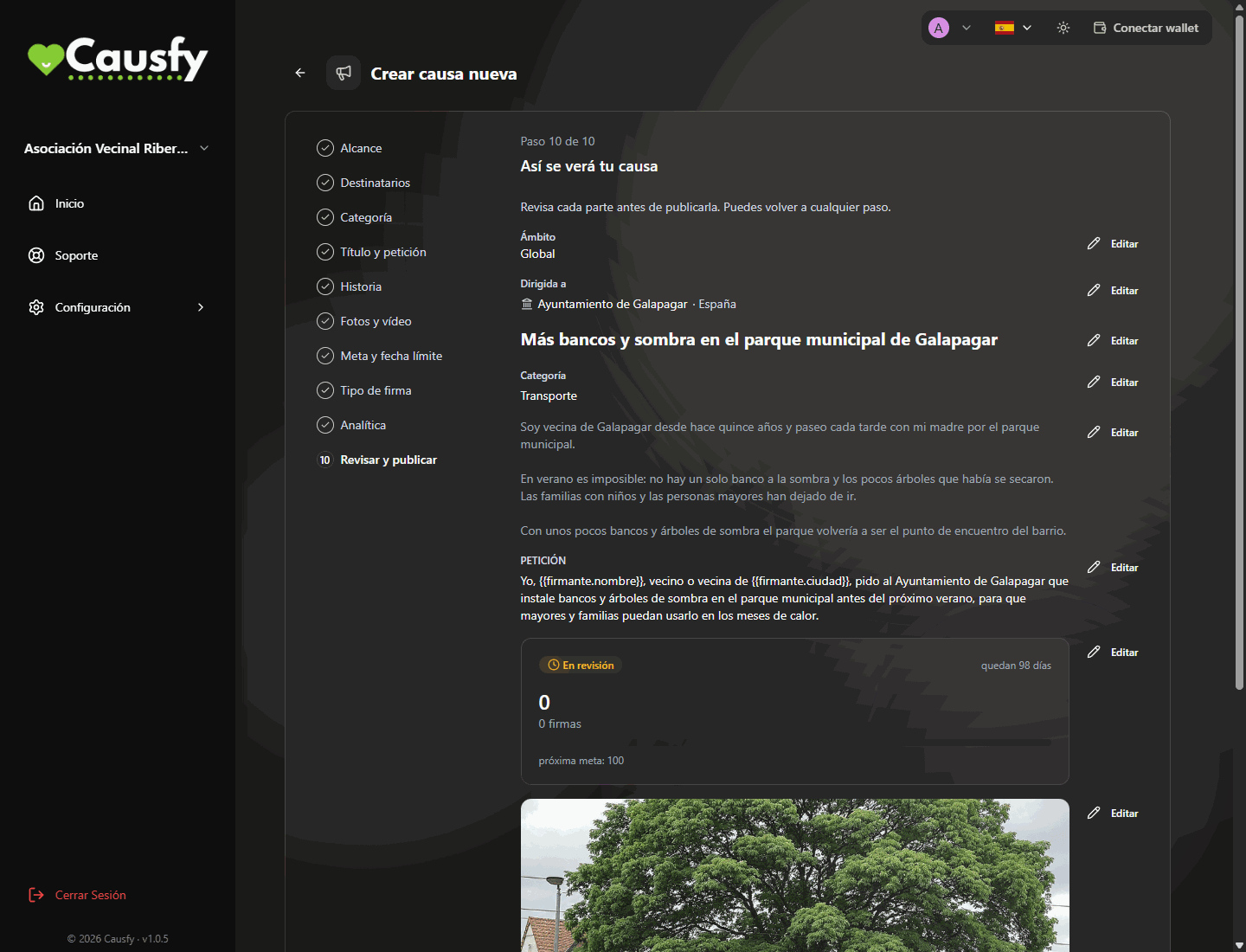
The last step of the wizard: this is how your cause will look before you send it for review.
The statuses of a cause
If it is the platform administration that pauses your cause, you will see the notice “This cause was paused by the platform administration. You cannot reactivate or close it; if you believe this is a mistake, contact support.” In that case write to Support.
What is checked
That it is clear what you are asking for and from whom
That it is clear what you are asking for and from whom
A cause without a clear recipient or without a specific petition is sent back. It is not a bureaucratic requirement: it is what makes it work.
That it is yours
That it is yours
Photos, texts and videos you have the right to publish. An image taken from the internet is a legal problem for you, not for us.
That it does not target a specific individual
That it does not target a specific individual
You can ask something of a public official or a company. You cannot use the platform to harass a private individual or publish their details.
That the money has a destination
That the money has a destination
In fundraising causes, what the money is for and who receives it. The more specific, the sooner it is approved. Fundraising is Coming soon: today you can only create causes that collect signatures.
While it is under review
A cause under review cannot be edited. Wait for it to be approved or rejected; what gets reviewed is exactly what you sent.If it is rejected
You receive the reason. It is not final: press Edit, fix what it points out and send it again with the Resubmit for review button. Most rejections are for something that can be fixed in five minutes, almost always a vague recipient or an image with no evidence of permission.Changes after it is approved
You can edit an approved cause, but any change sends it back to review, however small. When you save with Resubmit for review you will see “Cause updated. It’s pending review again.” and the cause stops showing on the portal until it is approved again. In addition, as soon as your cause receives the first signature, what people have already signed is locked:- the scope and the location,
- the recipients,
- the title and the petition,
- the signature type.
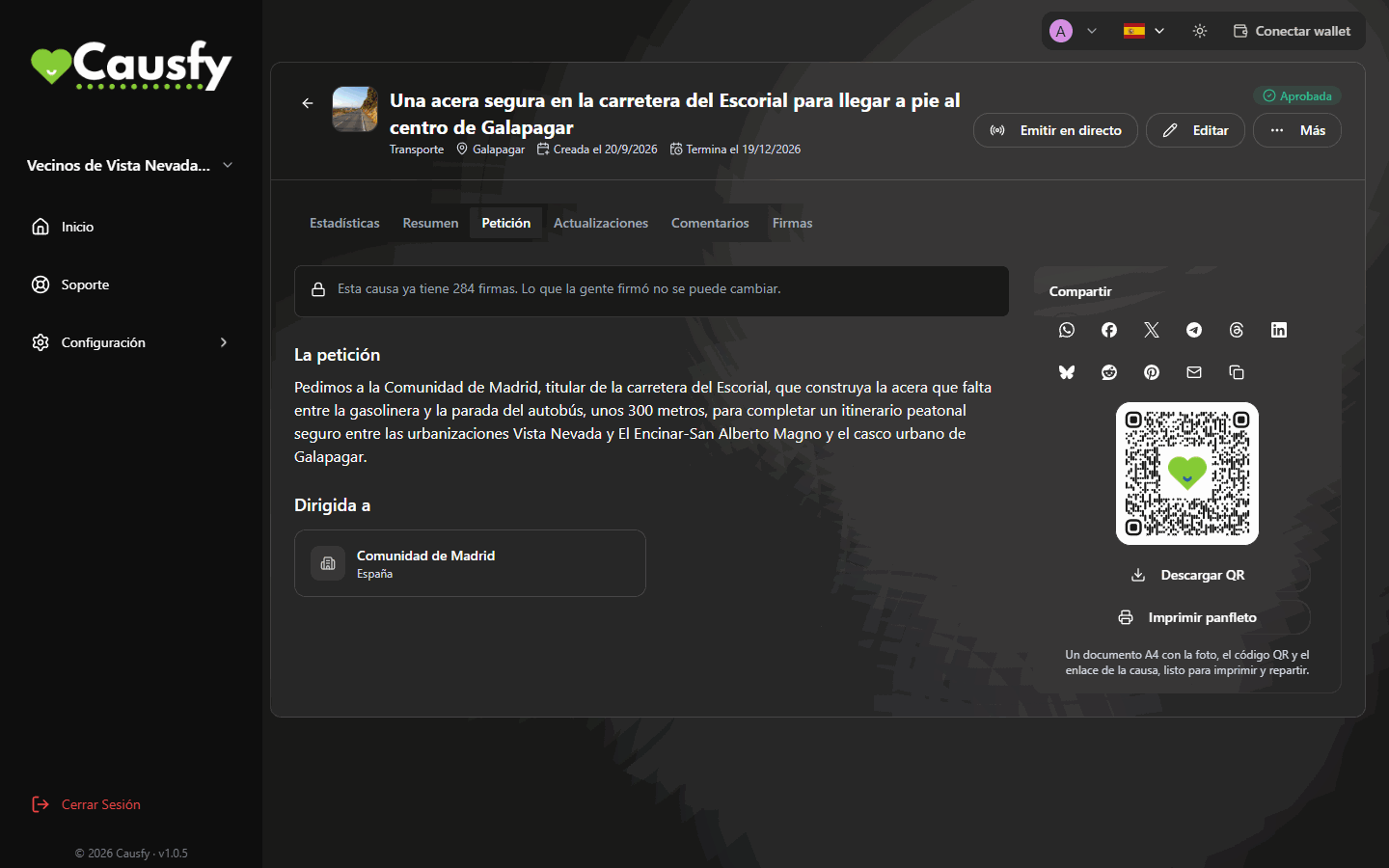
With signatures, the Petition tab warns that the signed text can no longer be changed.